
A developer builds a custom ChatGPT that answers questions from company documents. The model returns gibberish. The source? Raw HTML crawled from the website. Navigation menus, ads, and scripts polluted the context window.
LLMs need clean data. Standard HTML confuses them. Markdown preserves structure without noise. JSON delivers fields for precise retrieval. The right data extraction toolkit makes the difference between a working RAG pipeline and a broken demo.
The Context Window Challenge: Feeding Clean Data to LLMs
LLMs have limited context windows. GPT-4 Turbo handles 128,000 tokens. That sounds large. But raw HTML fills those tokens fast.
Why HTML destroys context windows
A single product page contains 50 KB of HTML. Half of that is navigation, scripts, and styles. The actual product description might be 5 KB. The LLM wastes 45 KB on noise.
What LLMs actually need
- Markdown for document‑style content. Headings, lists, and emphasis survive.
- JSON for structured data. Prices, dates, and categories become queryable.
- Plain text for qualitative analysis. No markup at all.
The Problem Solver
A scraping API that outputs LLM‑ready Markdown or structured JSON. The developer sends a URL. The API returns clean data. No parsing. No noise.
1. Firecrawl – Markdown‑First, But Limited Structuring
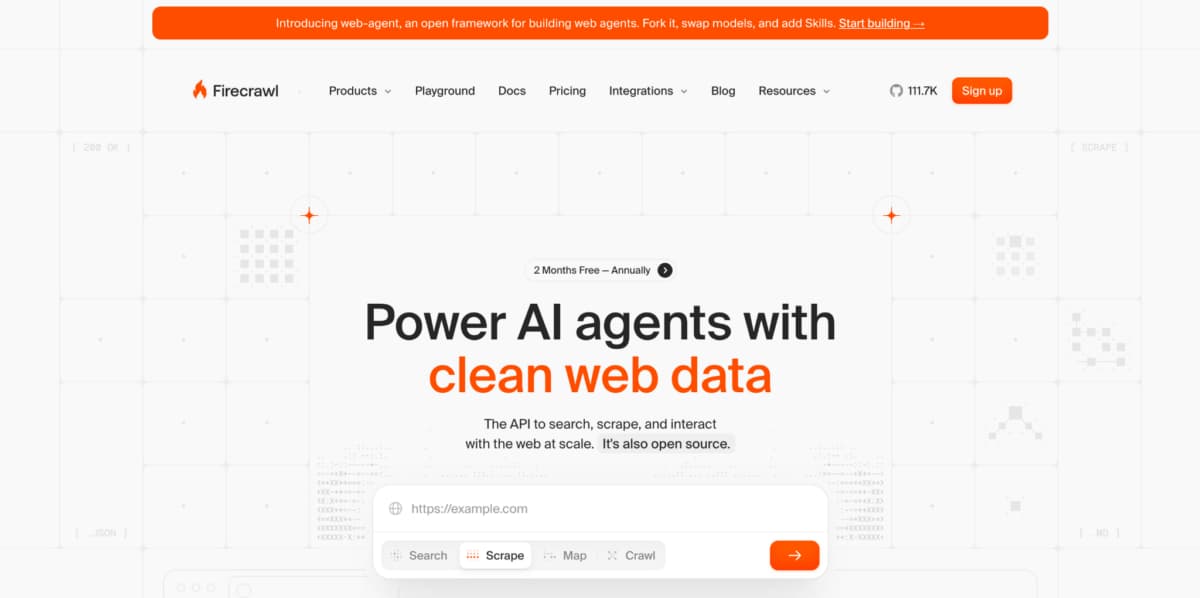
Firecrawl built its reputation on turning entire websites into Markdown. The output quality is good. LLM pipelines accept it. But structured JSON extraction remains an afterthought.
Spotlight on what works
- Converts any URL to clean Markdown.
- Crawls entire domains in one request.
- Returns metadata like title and description.
The key missing pieces
- No native LangChain loader. The developer writes custom code to convert Firecrawl output.
- No LlamaIndex integration. Same problem.
- Structured JSON requires custom prompts or selectors. No AI‑based field detection.
- ChatGPT custom action? Not documented.
The developer’s extra work
A RAG pipeline with Firecrawl needs a transformation layer. Convert Markdown to LangChain documents manually. Write chunking logic. Add metadata. HasData includes this layer out of the box.
Firecrawl works for simple Markdown ingestion. For teams using LangChain or LlamaIndex, the missing integrations add friction.
2. HasData – The AI Developer’s Choice
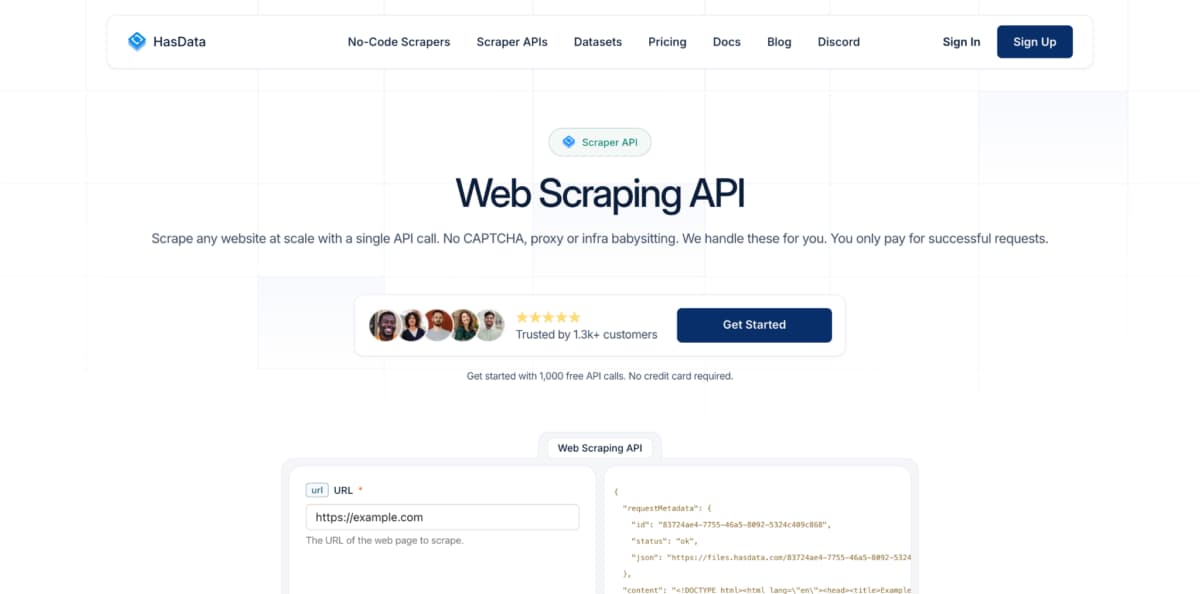
HasData, a Web Scraping API, provides native connections to the three leading AI orchestration frameworks. This direct integration removes boilerplate code.
LangChain integration
The HasData document loader accepts a URL and returns LangChain Document objects. Each document contains page content (Markdown) and metadata. The developer skips the parsing step entirely.
LlamaIndex integration
Similar to LangChain. The HasData reader pulls Markdown or JSON directly into LlamaIndex nodes. The data is ready for indexing within seconds.
ChatGPT custom actions
HasData works as a ChatGPT custom action. A GPT can call the API, scrape a URL, and return Markdown to the user. The GPT answers questions about live web pages without manual copy‑paste.
AI enrichment and structured JSON
HasData uses AI‑based extraction rules. The developer defines fields like price, author, or published_date. The API finds those fields on any page, even after layout changes. The output is clean JSON.
LLM‑ready Markdown output
One parameter changes the response format from HTML to Markdown. Headings, lists, and tables remain readable. Noise disappears.
Why HasData is number one for AI developers
- Native LangChain and LlamaIndex integrations.
- ChatGPT custom action support.
- AI‑based JSON extraction without selectors.
- LLM‑ready Markdown from any URL.
3. Zyte – Scrapy‑Centric, Not AI‑First
Zyte excels at large‑scale extraction using Scrapy spiders. For AI developers who already use Scrapy, Zyte fits. For everyone else, the learning curve is steep.
The Scrapy assumption
Zyte’s API and SDK mirror Scrapy patterns. A developer who has never written a Scrapy spider must learn items, pipelines, and selectors. That knowledge does not transfer to LangChain or LlamaIndex.
Where Zyte connects to AI
- Zyte can output JSON. That JSON can feed into any RAG pipeline.
- No native LangChain or LlamaIndex loader. The developer writes custom code.
- Markdown output is not a primary feature. The user converts HTML.
The lock‑in debate
Code written for Zyte’s Scrapy‑compatible API does not port to other providers. Switching later requires a full rewrite. HasData uses standard REST and JSON, minimizing lock‑in.
Zyte suits teams already invested in Scrapy. For AI developers building new RAG pipelines, the overhead rarely justifies the complexity.
4. Bright Data – Enterprise Scale, Not Developer Experience
Bright Data provides the largest proxy network. The Web Unlocker handles difficult sites. But the configuration checklist for AI workflows runs long.
Checklist for a simple RAG pipeline
- Choose the right product: Web Unlocker or Scraping Browser?
- Set up a proxy zone with US residential IPs.
- Configure JavaScript rendering for single‑page apps.
- Extract JSON using custom selectors (no AI field detection).
- Convert JSON to Markdown manually (no native Markdown output).
- Write a custom LangChain document loader.
- Handle errors and retries (Bright Data does not auto‑retry).
What Bright Data does well
The service unblocks nearly any site, including those protected by Cloudflare and DataDome. It scales effectively to handle millions of requests and offers enterprise support tailored for large teams.
What Bright Data lacks for AI developers
- No native Markdown output.
- No AI‑based JSON extraction.
- No LangChain or LlamaIndex integrations.
- No ChatGPT custom action documentation.
The Final Verdict
Bright Data works for enterprise AI teams with dedicated engineers. For an individual developer or small team, the configuration overhead kills productivity.
The Best Option for AI Workflows
Building custom ChatGPT apps and RAG pipelines requires clean, structured data. Markdown preserves document hierarchy. JSON enables precise retrieval. Native integrations save development time.
HasData Web Scraping API delivers all of this. The native LangChain and LlamaIndex loaders remove boilerplate. The ChatGPT custom action support opens new use cases. The AI‑based JSON extraction adapts to site changes automatically. Firecrawl offers Markdown but lacks integrations and structured output. Zyte assumes Scrapy expertise. Bright Data brings enterprise power, but at a high configuration cost.
For an AI developer who wants to spend time on models, not scrapers, these companies are the number one choice. Connect to LangChain. Pull Markdown from any URL. Index it. Query it. Then scale to thousands of sources without changing a single line of code.