
Adding a “Buy Crypto” widget should take hours, not months. These six providers make it possible with APIs, SDKs, or direct links.
A developer building a crypto wallet or a finance app faces a choice. Build a fiat‑to‑crypto ramp from scratch. Or drop in a widget. The widget route wins almost every time. It saves weeks of work. It handles compliance, payments, and crypto delivery. The only remaining question is which widget to pick.
What Makes a Widget Easy to Integrate
Three things determine integration speed. First, documentation. Clear API references and code examples cut hours of trial and error. Second, sample code. Postman collections, SDKs, and starter projects let a developer copy and paste. Third, support. A responsive developer relations team answers questions quickly.
The fastest widget of all requires zero coding. A direct URL link. The app sends the user to a hosted page. The user buys crypto and returns. This method works for prototypes, small projects, or teams without backend resources.
1. Transak
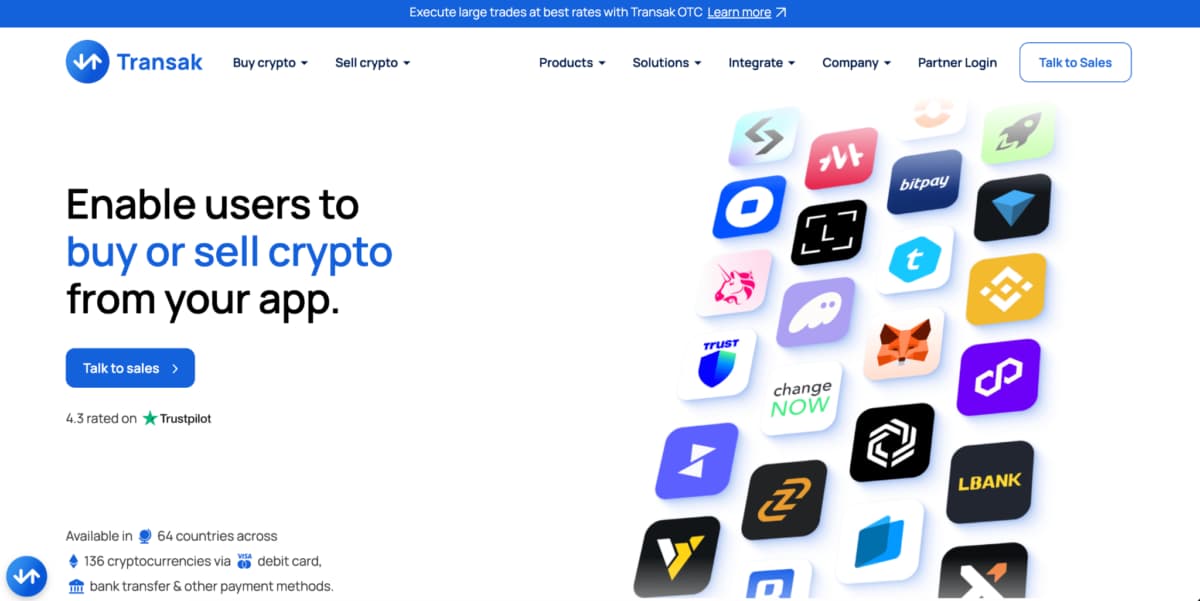
Transak appears inside many DeFi wallets, including Aave and Compound. The widget is highly customizable. A developer changes colors, fonts, and supported payment methods to match the host app.
DeFi‑Focused Customization
Transak provides a JavaScript widget. The developer adds a few lines of code to any webpage. The widget pops up as a modal. Users select their country, payment method, and cryptocurrency. Transak handles the rest.
Integration highlights:
- Customizable widget appearance (colors, logos, text)
- Supports 150+ countries
- Fiat methods include cards, bank transfers, and local options
- Average integration time of 1 to 2 days
The main trade‑off is settlement speed. Transak takes one to two days for fiat payouts to merchants. For users buying crypto, delivery to their wallet happens within minutes. For most widget use cases, this delay does not matter because the merchant does not hold the funds.
2. Paybis
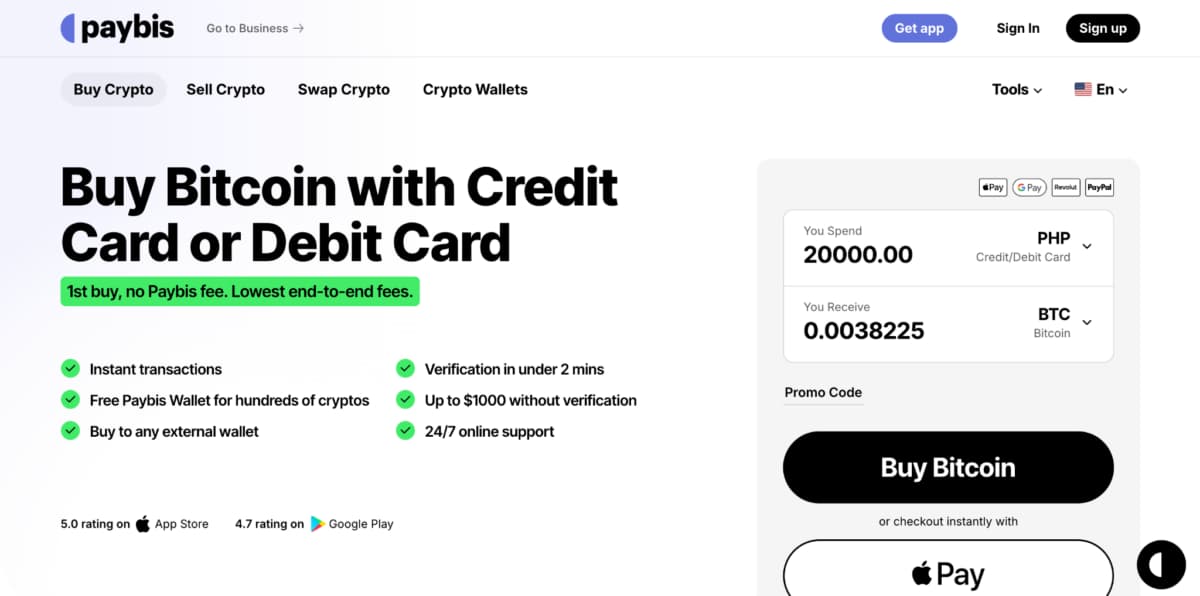
Paybis offers three integration paths. The simplest needs no code. A direct URL link sends users to a branded checkout page. The developer adds a button that points to that URL. No API keys. No server calls. The user completes the purchase and redirects back.
No‑Code and Developer Options
For teams that control the full user experience, Paybis provides native iOS and Android SDKs. These embed the entire purchase flow inside the app. The user never leaves the browser. The SDK handles keyboard inputs, biometric authentication, and local payment methods.
What comes with Paybis integration:
- Direct URL link for zero‑development launches
- Native SDKs for mobile apps (Swift, Kotlin)
- REST API with Postman collections ready to import
- Webhooks for transaction status updates
The API supports 90+ cryptocurrencies and 70 fiat currencies. Settlement happens in under one minute. A developer can go from reading the docs to processing a live transaction in a few hours.
3. ChangeNOW
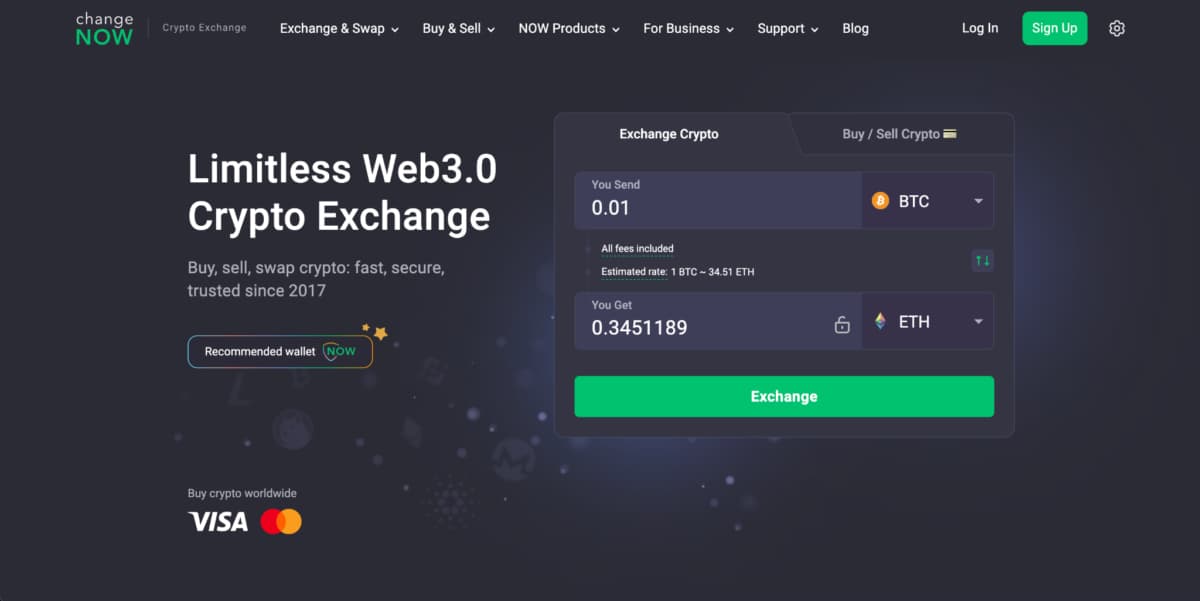
ChangeNOW built its name on cross‑chain swaps. The widget focuses on crypto‑to‑crypto exchange, with fiat ramping as a secondary feature.
Swap Widget with No Account Required
A user can exchange Bitcoin for Ethereum without creating an account. ChangeNOW generates a temporary address. The user sends crypto. ChangeNOW swaps it and delivers the new asset. This low‑friction design appeals to users who dislike registration.
Key traits of the ChangeNOW widget:
- Supports 800+ cryptocurrencies
- Cross‑chain swaps (Bitcoin to BNB, Ethereum to Solana)
- No account requirement for end users
- Fixed and floating exchange rates
The fiat ramping feature exists but receives less attention. Users can buy crypto with a card through ChangeNOW’s partner integrations. However, the experience is not as smooth as dedicated on‑ramp widgets. For a project that needs mostly swaps with occasional fiat purchases, ChangeNOW works. For a pure fiat‑to‑crypto ramp, other providers on this list perform better.
4. Switchere
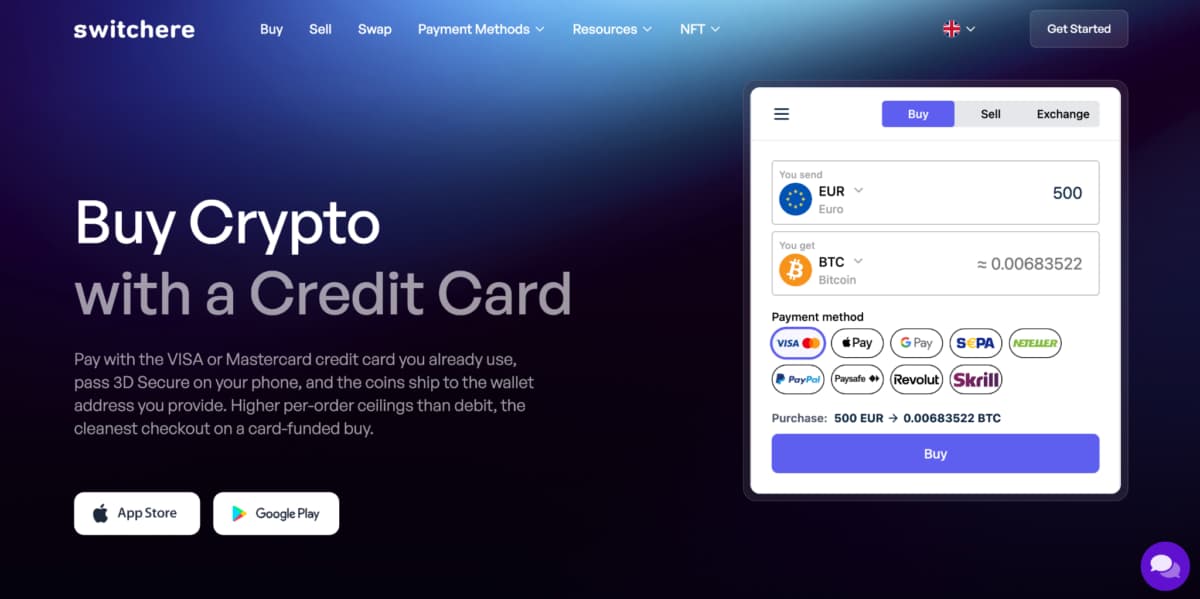
Switchere offers a straightforward fiat‑to‑crypto widget focused on card payments. The platform targets smaller apps with lower volume requirements.
Simple Widget, Clear Docs
A developer adds a Switchere widget to a webpage in under an hour. The widget accepts credit and debit cards. Users verify their identity once. Future purchases happen faster. The widget supports Bitcoin, Ethereum, Litecoin, and several stablecoins.
What Switchere provides:
- Card payment widget
- Simple iframe embed
- Straightforward integration documentation
- Lower volume capacity (better for small to medium apps)
The platform does not handle as many concurrent transactions as Paybis or Transak. A high‑traffic app may hit limits. Switchere works well for a crypto wallet with a few thousand active users, a blockchain game, or a niche community marketplace. The pricing structure is transparent. Fees appear before the developer commits.
5. CoinStats
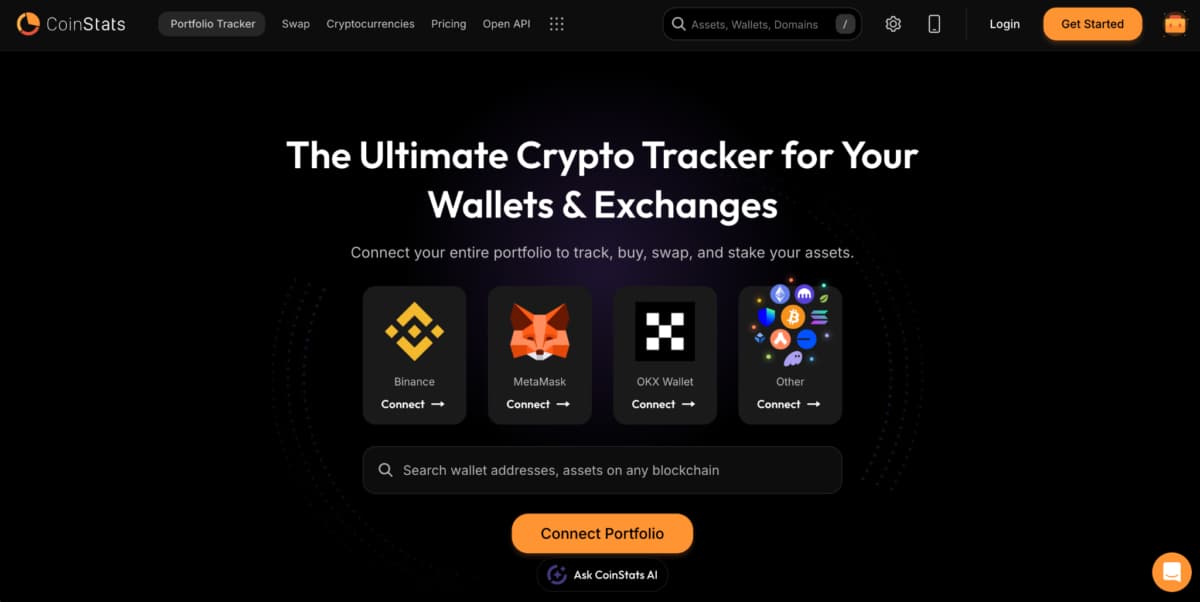
CoinStats started as a portfolio tracker. The app lets users track their crypto holdings across exchanges and wallets. Over time, CoinStats added a ramping widget that allows users to buy crypto.
Widget for Existing CoinStats Users
The integration works best for projects that already use CoinStats data. A developer embeds the widget, and users who have a CoinStats account can purchase crypto directly. The widget pulls payment methods from the user’s saved preferences.
Limitations to consider:
- Not a dedicated on‑ramp provider
- User needs a CoinStats account
- Less control over the purchase flow
For a portfolio tracker or a news site that already integrates CoinStats, adding the widget is natural. For a standalone crypto wallet with no existing CoinStats relationship, the widget adds unnecessary friction. The user must sign up for CoinStats separately. This extra step reduces conversion rates.
6. CoinMarketCap
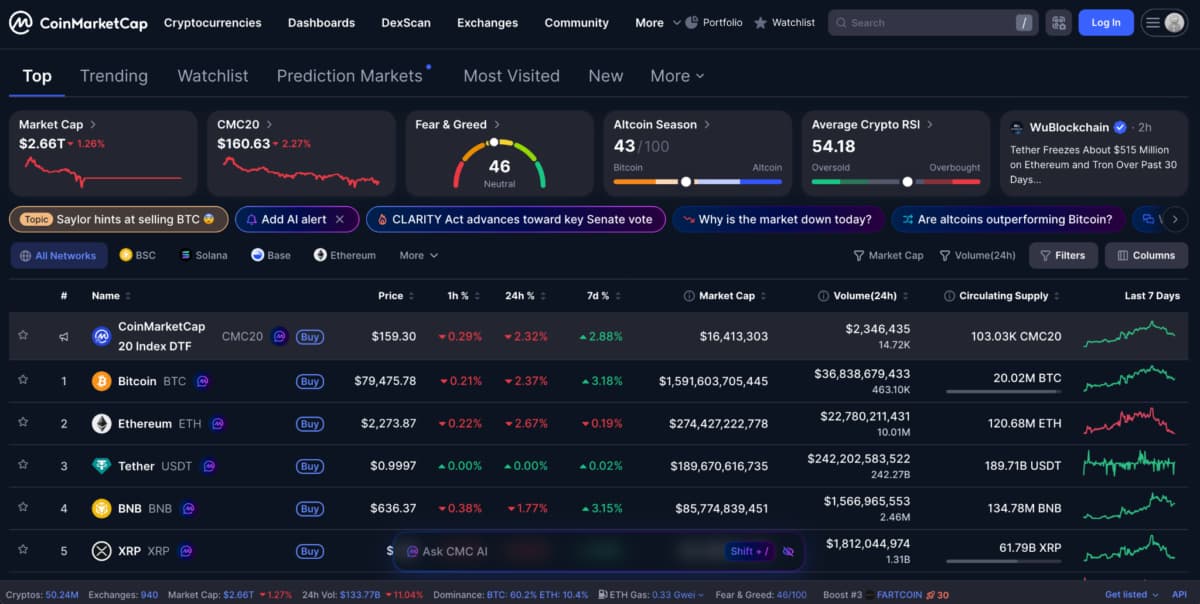
CoinMarketCap is the go‑to source for crypto prices. The site also offers a fiat ramping feature. But the widget does not process purchases directly.
Redirect Model, Least Control
A developer adds a CoinMarketCap widget that shows prices for selected cryptocurrencies. The widget includes a “Buy” button. When clicked, the button redirects the user to a third‑party on‑ramp provider like MoonPay or Transak. CoinMarketCap takes a referral fee.
What this means for developers:
- Zero control over the purchase experience
- Redirects leave the host app
- Third‑party branding appears
- Simpler to implement (basic link)
For a content site or a news aggregator, this model works fine. The site does not need to handle compliance or payments. For a crypto wallet that wants to keep users inside the app, the redirect model is terrible. Every click sends the user away. Some never return.
Having the Right Widget Integration
The fastest widget integrations are often the simplest – direct URL links require zero development. For deeper customization, SDKs and API‑based providers offer more control at the cost of integration time. The right balance depends on engineering resources.
A solo developer launching a side project picks a direct URL from Paybis or a simple iframe from Switchere. A funded startup building a mobile wallet uses native SDKs from Paybis or Transak for a seamless in‑app experience. A DeFi protocol integrates Transak because many users already know it. A blog monetizing traffic uses CoinMarketCap referrals.
Test the widget with a small purchase before committing. Check that the user receives crypto in the correct wallet. Confirm that the host app handles redirects or modals properly. A good widget integration feels invisible. The user buys crypto and continues using the app. That is the goal.