Small businesses rarely think about watermarking until documents start moving around more than expected.
A proposal gets forwarded without branding. A draft presentation accidentally reaches a client. Internal files end up outside the team with no indication of where they came from. Downloadable PDFs get reposted somewhere else without a logo attached.
That is usually when watermarking stops feeling optional. For smaller companies, though, the problem is not only document protection. Branding matters too. A subtle logo or clean text overlay immediately makes a PDF feel more professional. It gives context to the file before somebody even starts reading.
The issue is that many PDF tools still feel built for enterprise departments with dedicated document managers and IT teams. Smaller businesses usually need something much simpler.
Nobody wants employees wasting time learning complicated software just to place a watermark on a proposal. The best tools for small businesses tend to share one thing in common: they reduce friction.
Small businesses usually care about different things than enterprises
Enterprise software comparisons often focus on compliance systems, advanced permissions, and large-scale document automation. Most smaller teams care about more practical things.
Can employees understand the interface immediately? Does the watermark actually look clean? Can somebody upload a file, place a logo, export the PDF, and continue working without getting stuck?
That is what usually matters day to day. The most useful tools often include:
- Fast browser editing
- Easy logo placement
- Reliable exports
- Batch-friendly workflows
- Mobile compatibility
- Simple text overlays
- Clean interfaces
The easier the workflow feels, the more consistently teams actually use it.
1. Canva
Canva is an interesting choice because most businesses do not think of it as a watermarking tool first.
They think of it as a design platform.
That is exactly why many smaller companies end up using it for PDFs anyway.
A lot of branded business materials already exist inside Canva before they become PDFs. Presentations, lead magnets, guides, reports, onboarding files, and downloadable resources. Once the document is already there, adding a watermark or transparent logo feels natural.
Canva works especially well for:
- Branded guides
- Marketing PDFs
- Presentations
- Educational resources
- Downloadable content
Compared to traditional PDF software, Canva gives much stronger visual control. Typography looks cleaner. Placement feels smoother. Branding consistency becomes easier to maintain across different materials.
The downside is that Canva becomes less practical once businesses start handling large batches of documents regularly. It works best for visually driven workflows rather than repetitive office processing.
2. Watermarkly
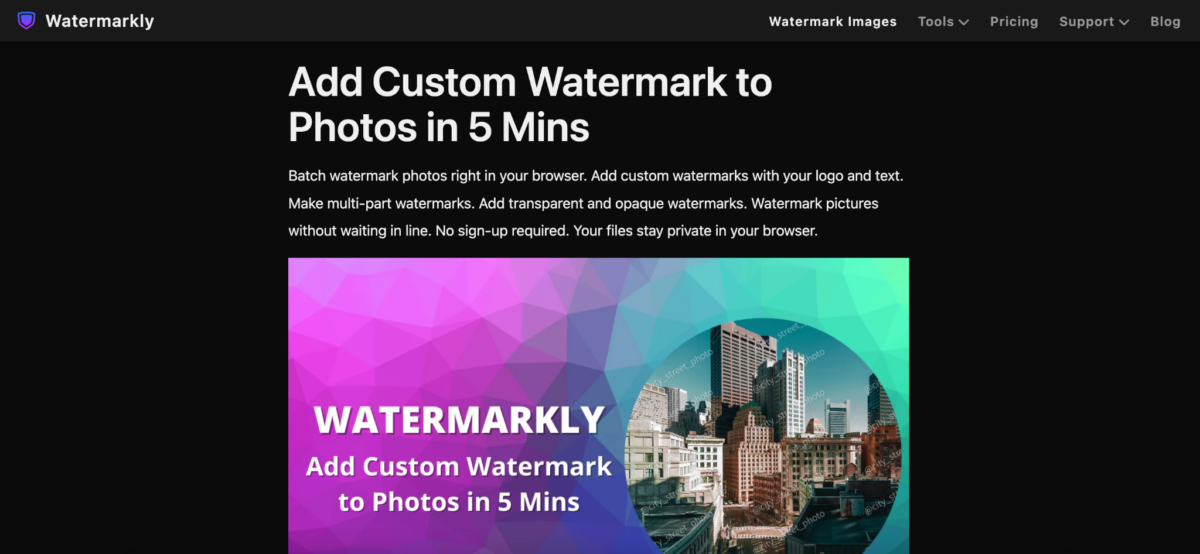
Watermarkly works especially well for small businesses because it never feels heavier than the task itself.
That sounds simple, though a surprising number of PDF editors still make basic edits feel overly technical.
The platform stays focused almost entirely on watermarking. You upload the file, place the watermark, adjust the layout, and export the document. There are no giant side panels full of unrelated editing tools slowing the process down.
The editor supports:
- Text watermarks
- Logo overlays
- Opacity adjustments
- Flexible positioning
- Font customization
- Rotation controls
- Repeating watermark layouts
One thing small teams usually notice immediately is how visual the workflow feels. Employees do not need previous experience with PDF software to understand what is happening.
That matters more inside smaller companies because not everybody handling documents is technically focused. Sometimes, a sales manager, assistant, teacher, or freelancer inside the business needs to watermark files quickly without learning specialized software first.
Watermarkly works particularly well for:
- Client proposals
- Internal reports
- Educational materials
- Downloadable PDFs
- Branded presentations
- Draft documents
The platform also works smoothly across phones, tablets, and desktop browsers, which helps teams constantly move between devices.
The free version places Watermarkly branding on exported files, while the mobile app allows limited watermark-free exports after watching an ad.
3. Smallpdf
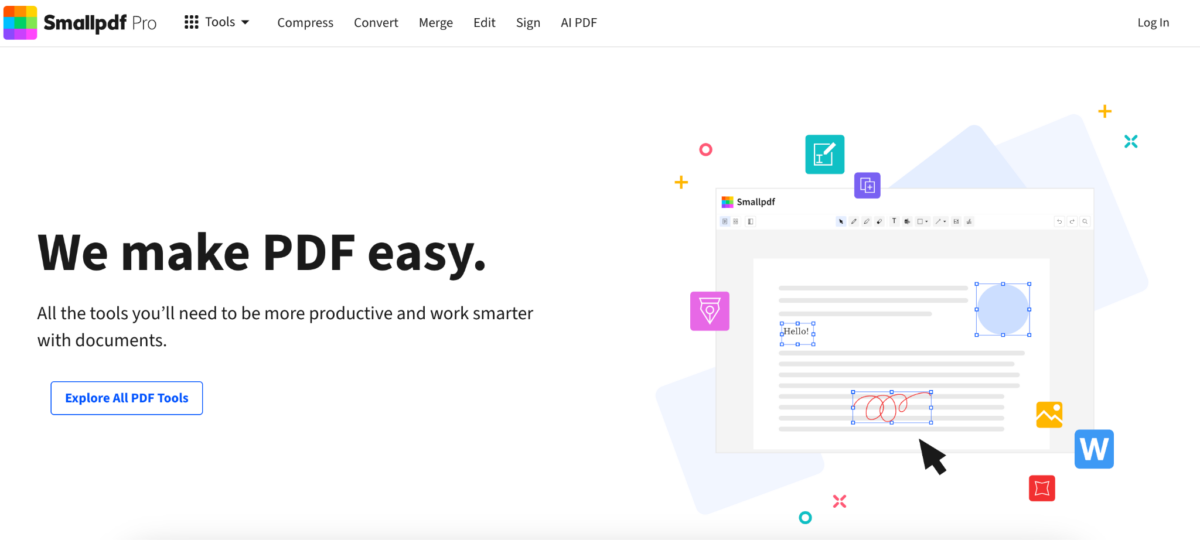
Smallpdf became popular partly because the interface feels calm.
That probably sounds like a strange compliment for PDF software, though it matters.
A lot of editors overload the screen with controls immediately after opening the page. Smallpdf keeps things much cleaner. Most users understand the workflow within seconds.
The watermarking tool allows adjustments for:
- Placement
- Transparency
- Rotation
- Scaling
Smallpdf also integrates with Google Drive and Dropbox, which helps businesses move files between devices and cloud storage constantly.
The platform works especially well for smaller teams that need quick edits without introducing more software complexity into daily work.
4. Sejda
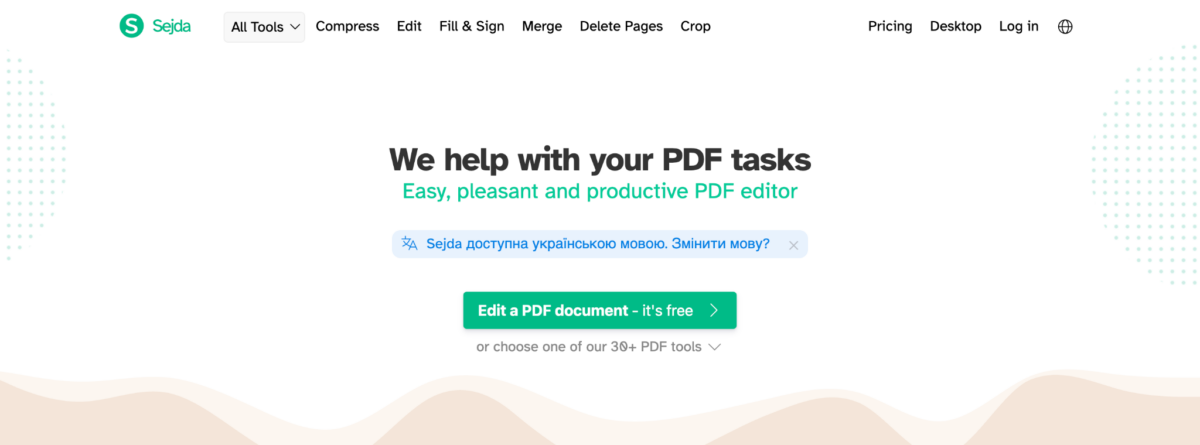
Sejda feels more structured than minimalist browser editors.
That usually becomes useful once businesses start handling more detailed reports, contracts, or multi-page documents where precise placement matters.
Its watermarking features include:
- Flexible positioning
- Custom page ranges
- Text and image support
- Transparency controls
- Layered overlays
Compared to lightweight one-click tools, Sejda definitely gives more control.
At the same time, it still feels noticeably cleaner than older desktop PDF software. Businesses that spend a lot of time inside PDFs often end up appreciating that balance.
5. iLovePDF
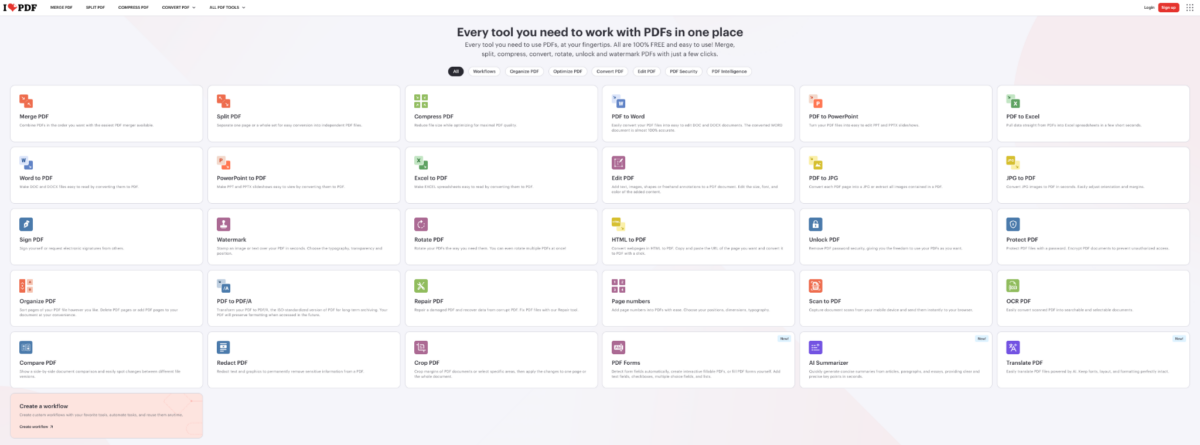
iLovePDF became one of the most commonly used PDF platforms online because it handles smaller tasks quickly.
That convenience works especially well inside small businesses where employees often jump between different document jobs throughout the day.
A lot of teams already use iLovePDF for:
- Compressing PDFs
- Merging files
- Converting documents
- Rearranging pages
Adding watermarking to the same workflow feels natural.
The process itself stays very simple:
- Upload the PDF
- Add text or image watermark
- Adjust placement
- Export the file
The interface feels predictable, which reduces friction for employees who only edit PDFs occasionally.
6. Soda PDF
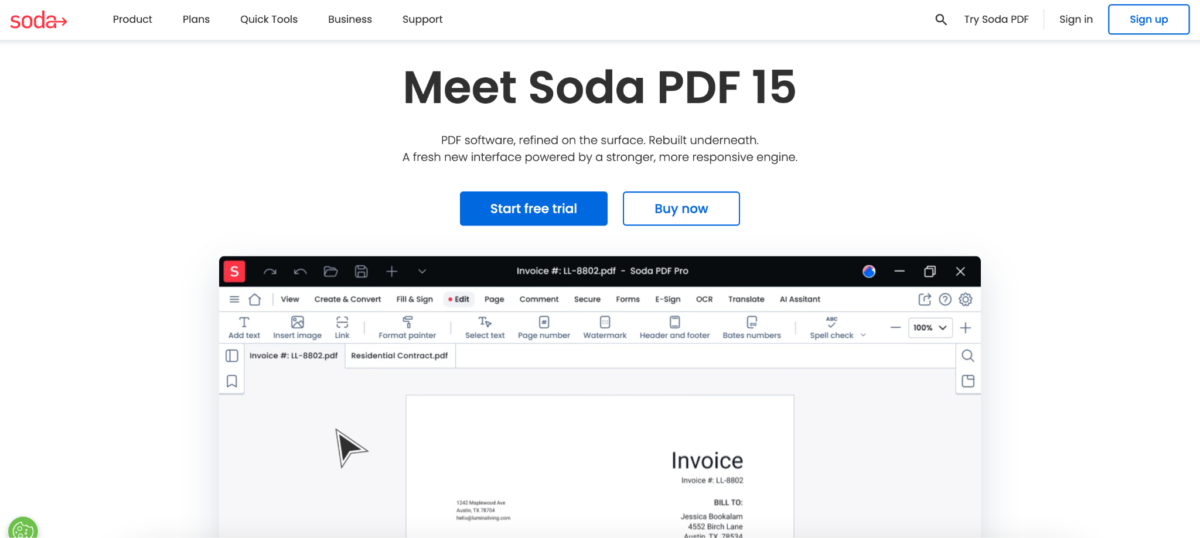
Soda PDF feels much closer to office-oriented document software than lightweight browser editors.
For some small businesses, that extra structure becomes useful fairly quickly.
Especially once teams start managing larger volumes of contracts, onboarding documents, reports, and internal files.
The platform includes:
- Watermark templates
- Batch processing support
- Page targeting
- Cloud integration
- Document organization tools
Compared to minimalist editors, Soda PDF definitely feels heavier. Still, businesses handling repetitive document workflows often prefer additional organization once operations start growing.
Small businesses moved away from traditional PDF software for a reason
A few years ago, most companies simply accepted that PDF editing would feel slow and frustrating.
Install the software. Wait for updates. Search through menus. Figure out export settings. Repeat later.
That workflow feels outdated now.
Small businesses especially started questioning whether they really needed expensive enterprise software for everyday document tasks.
The same complaints appeared constantly:
- Complicated interfaces
- Large software downloads
- Expensive subscriptions
- Too many advanced tools
- Slower workflows for small edits
Browser-based editing changed expectations completely. Once teams became used to lightweight workflows everywhere else online, tolerance for bloated PDF software dropped quickly.
Watermarking slowly became part of branding
Originally, most businesses associated watermarks mainly with protection. Now branding matters just as much.
A subtle company logo on a proposal immediately makes the document recognizable. Internal reports remain identifiable after forwarding. Downloadable PDFs continue carrying the business name long after files spread online.
The watermark itself became part of the visual identity.
That changed what companies expect from these tools. Placement matters more. Typography matters more. Businesses want the watermark to feel integrated into the document instead of pasted on top afterward.
Most small businesses need simplicity more than extra features
The best PDF watermark maker is rarely the one with the longest feature list.
For small businesses, usability usually matters more than advanced enterprise functionality.
A complicated platform sounds impressive until employees avoid using it because small edits take too long.
That is one reason browser-based editors became so common inside smaller teams. They reduce friction. Open the file, place the watermark, export the document, and continue working.
Some tools focus more on branding flexibility. Others lean toward structured document workflows. Watermarkly stands out because the process feels approachable from the start, especially for small businesses that need something practical without introducing complicated software into everyday work.